- How do I get WeatherMate to display the temperature in °C?
Right-click WeatherMate and select "Use metric units" from the
popup menu.
- or -
Double-click WeatherMate (or select Options | All Settings) to
display the Settings window and check "Use metric units" in the
"Display" settings.
- Why does WeatherMate's detailed forecast
show temperatures in °F even though I've selected "Use metric units"?
The Weather Channel (from where WeatherMate gets its data)
currently doesn't provide detailed forecasts in metric units.
- Why does WeatherMate's system tray icon sometimes disappear?
Windows thinks the icon isn't being used and decides to remove it from
the system tray (in order to save space). To fix the problem, do this:
1 Right-click the Windows taskbar.
2 Select "Properties" from the popup menu.
3 Uncheck the box "Hide inactive icons".
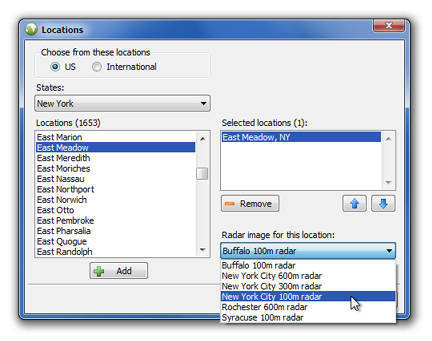
- How do I enter a location that's not in WeatherMate's list?
WeatherMate only supports locations known to the The Weather Channel.